Chat with your PDFs using AI — summarize, ask questions with page references, and translate pages. Plus merge, split, compress, rotate, and reorder PDF pages. No watermarks. No subscriptions.
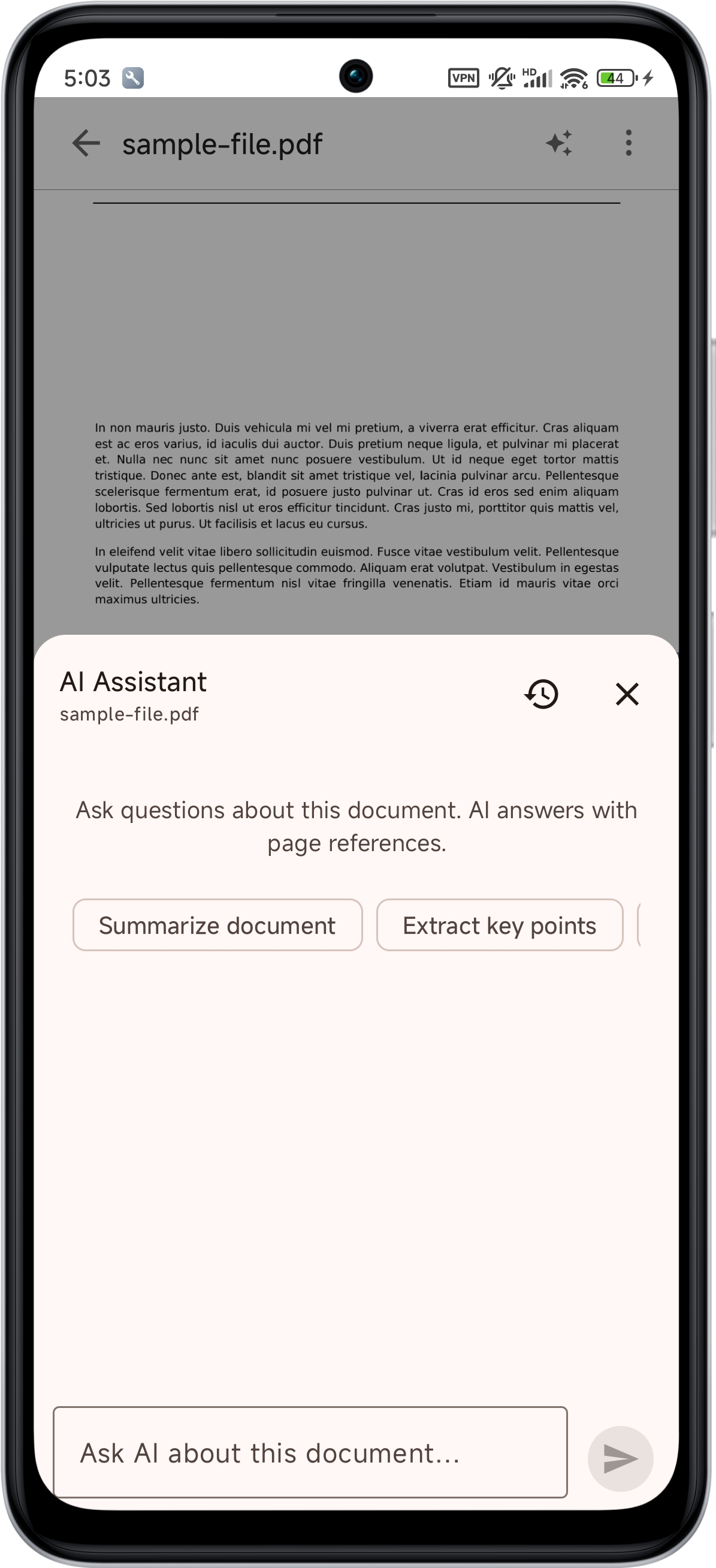
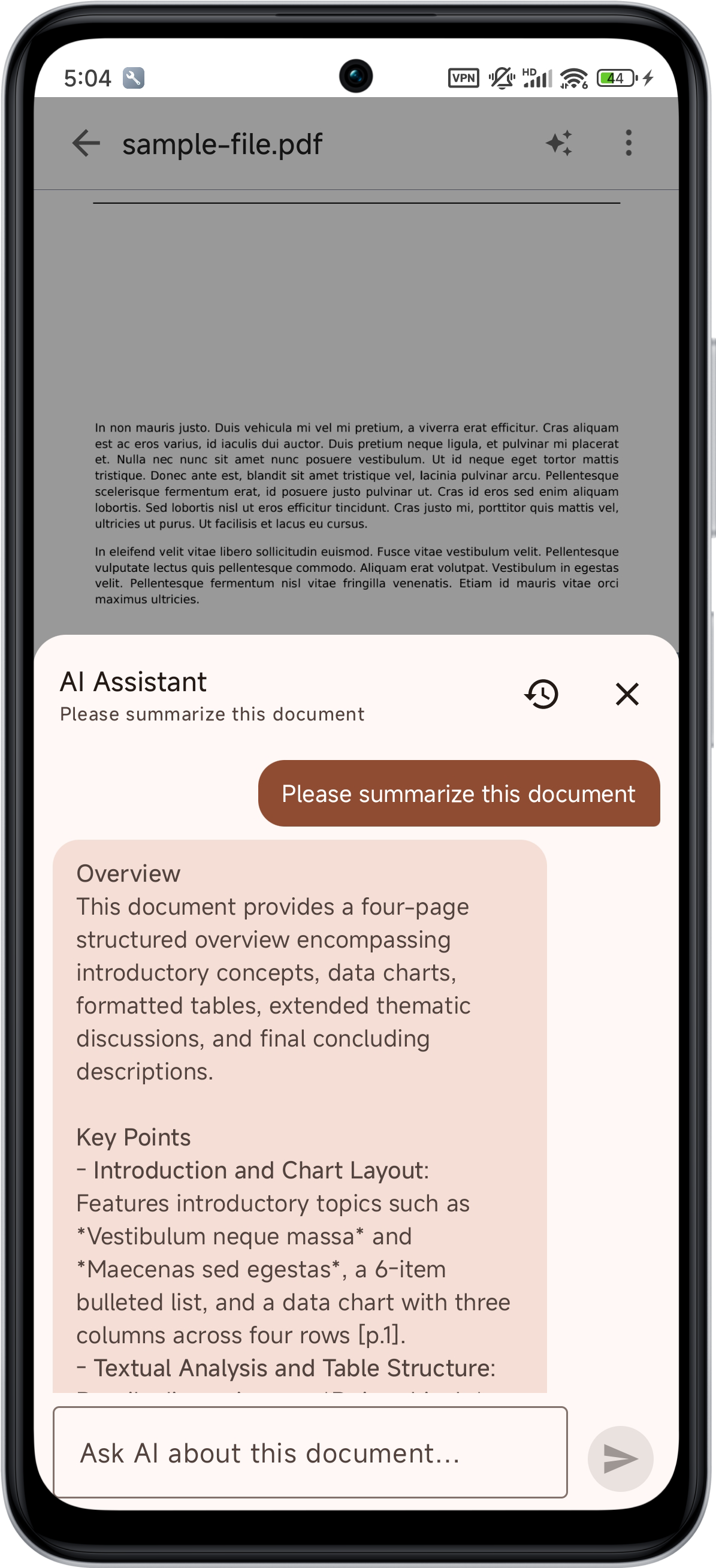
Summarize long documents in seconds, ask questions and get answers with page references, or translate any page — right inside the reader.
Try AI Chat Free →Turn a 200-page report into a structured summary with overview, key points, and conclusion — in seconds.
Ask anything about the document. Every answer cites the exact page number, so you can verify it instantly.
Translate any page into your language, or get a plain-language explanation of difficult passages.
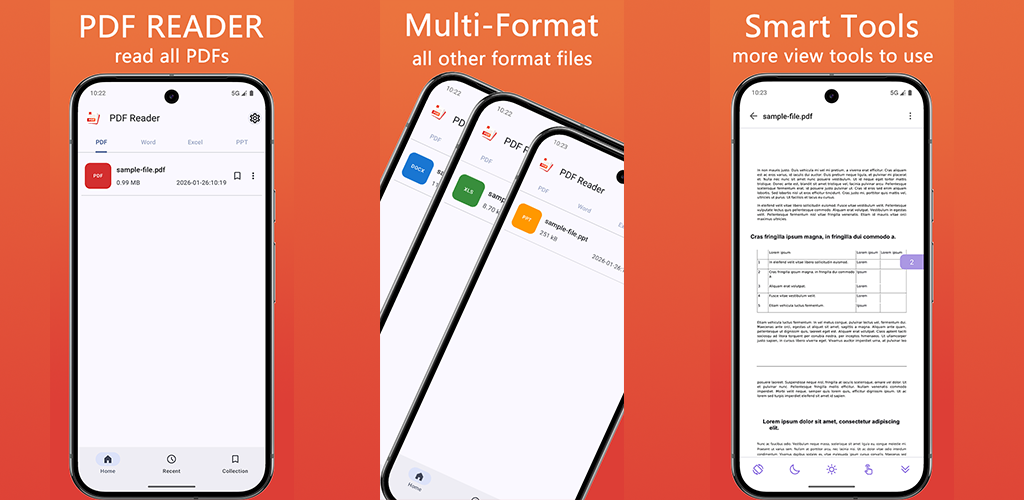
A complete set of professional PDF tools that run entirely on your device — no uploads, no cloud, no privacy concerns.
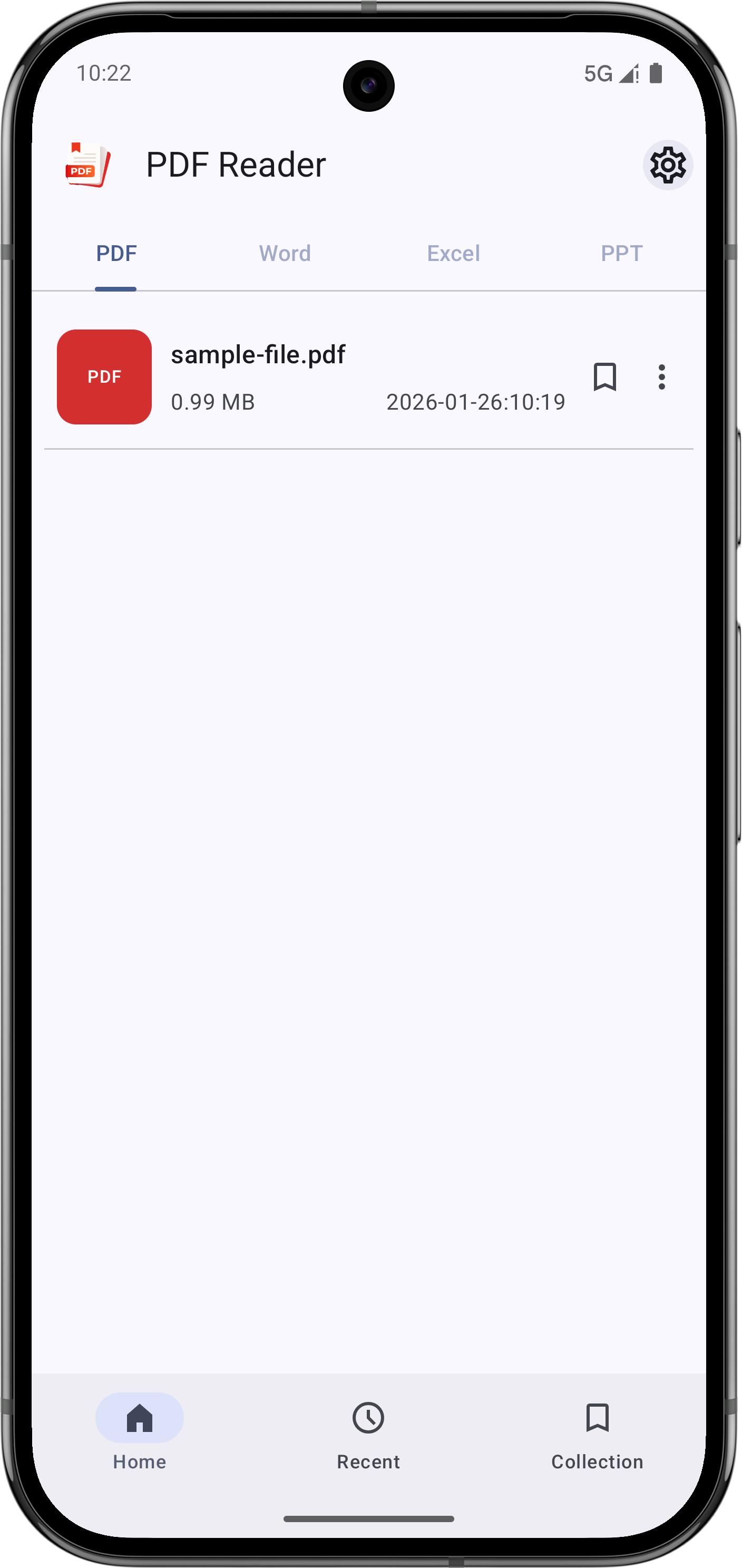
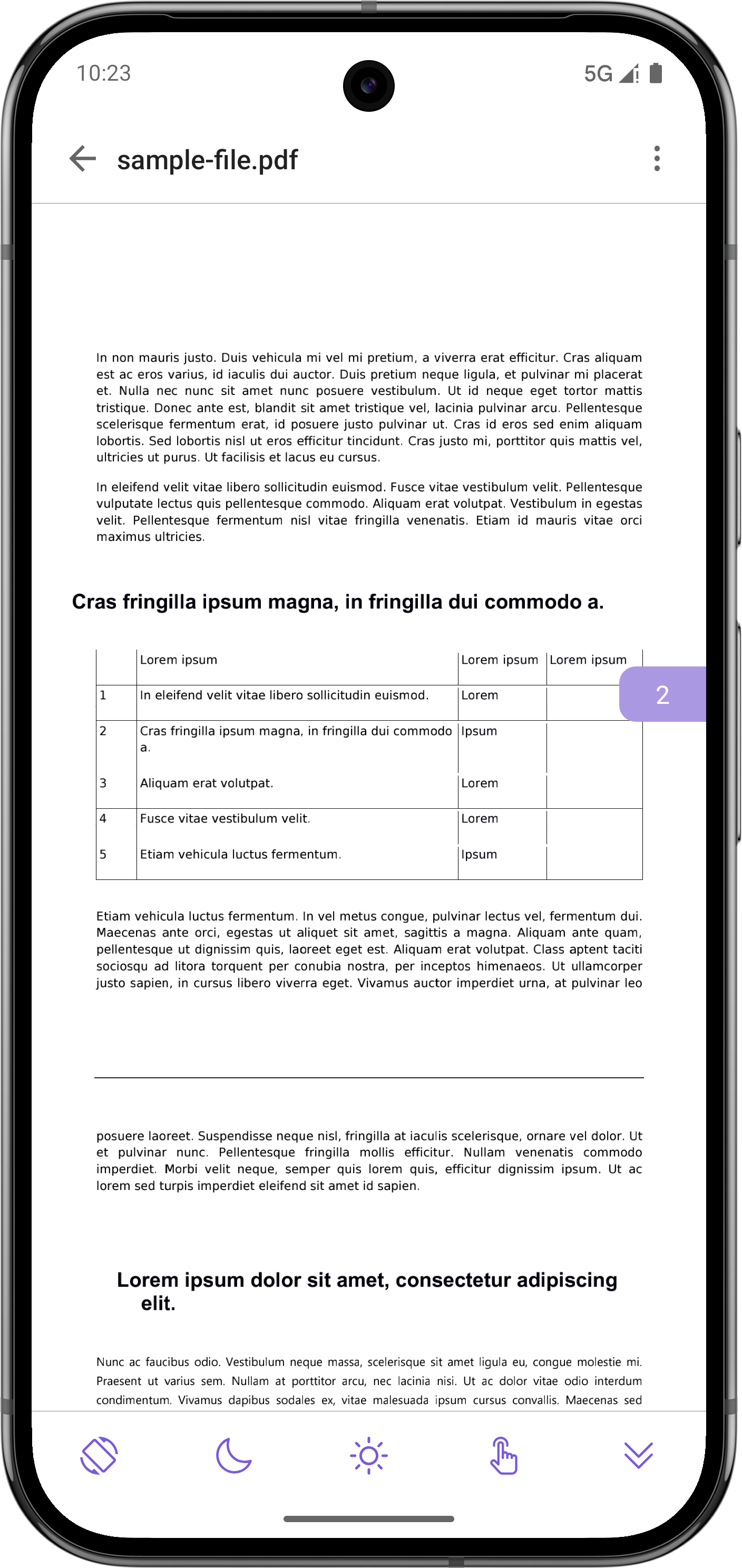
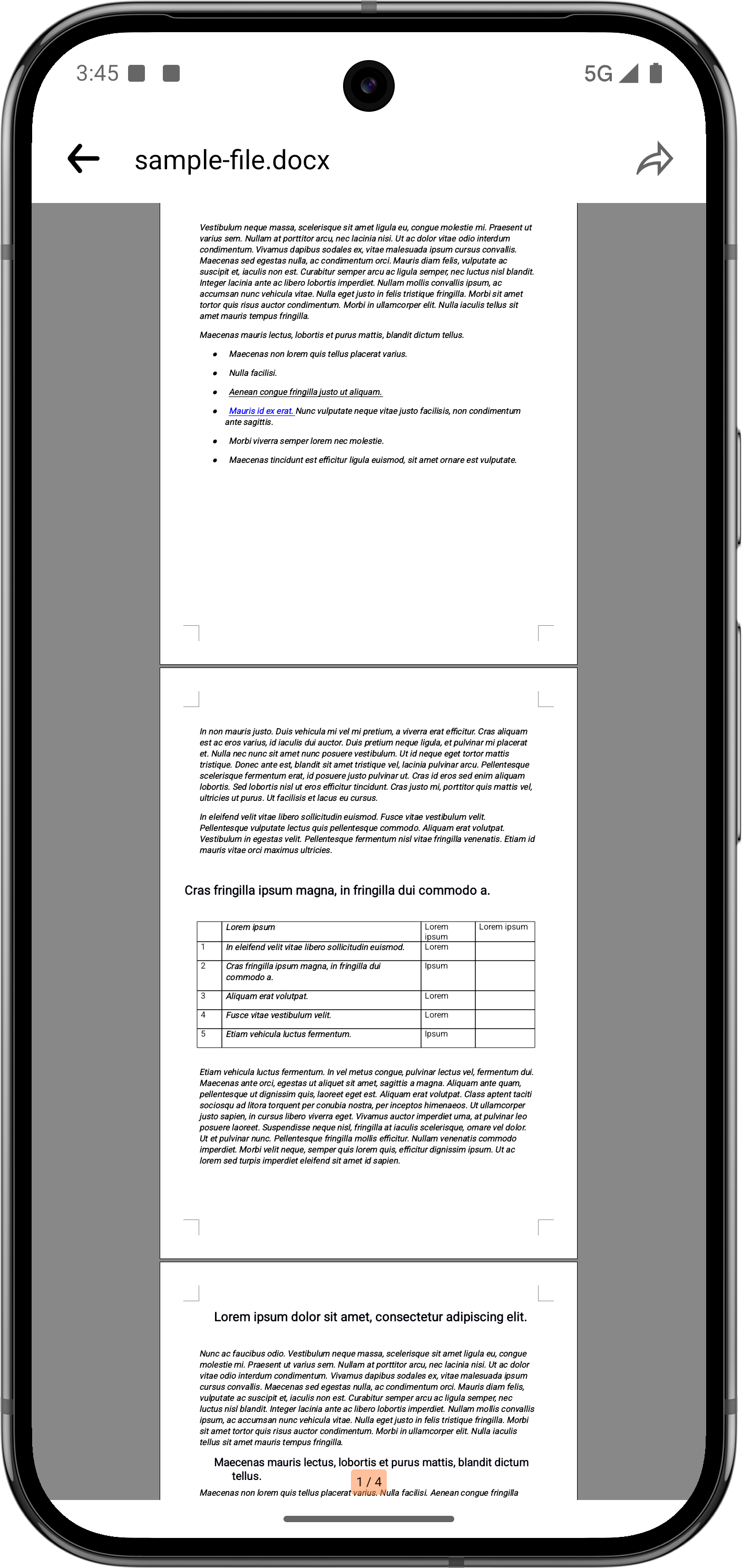
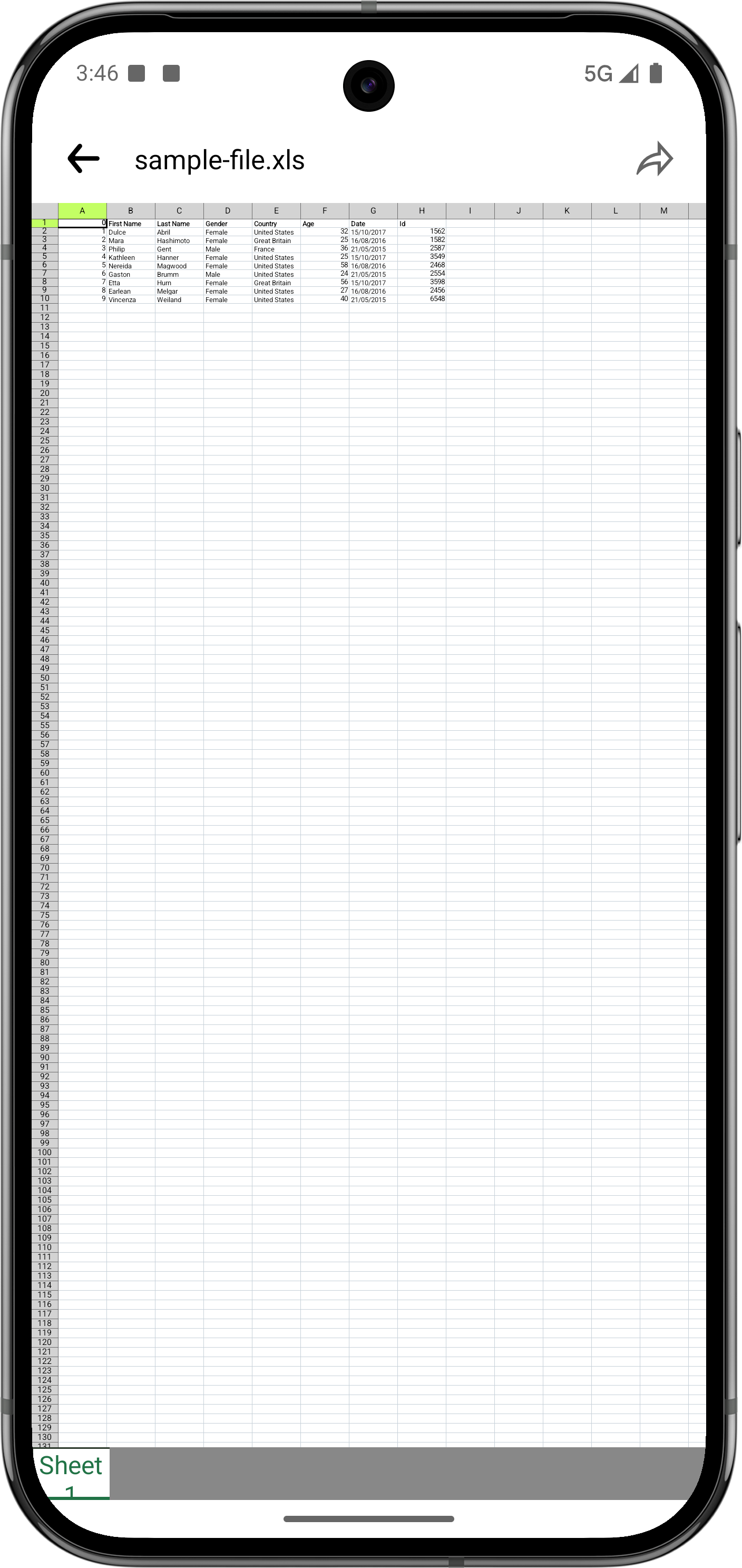
Automatically scan and open PDF, Word, Excel, and PowerPoint files. Clean reading experience with night mode.
Merge multiple PDFs, split by pages, compress file size, rotate orientation, and reorder pages with drag & drop.
All processing happens on your device. Your documents never leave your phone. No account required.
Full UI translations in English, Chinese, Hindi, Arabic, Spanish, French, German, Japanese, Korean & more.
Automatically finds all documents on your device. Share or delete files directly within the app.
Opens large PDFs instantly, scrolls smoothly, and won't drain your battery. Built for real-world use.
Each tool is designed to be simple and intuitive. Get your PDF tasks done in seconds.
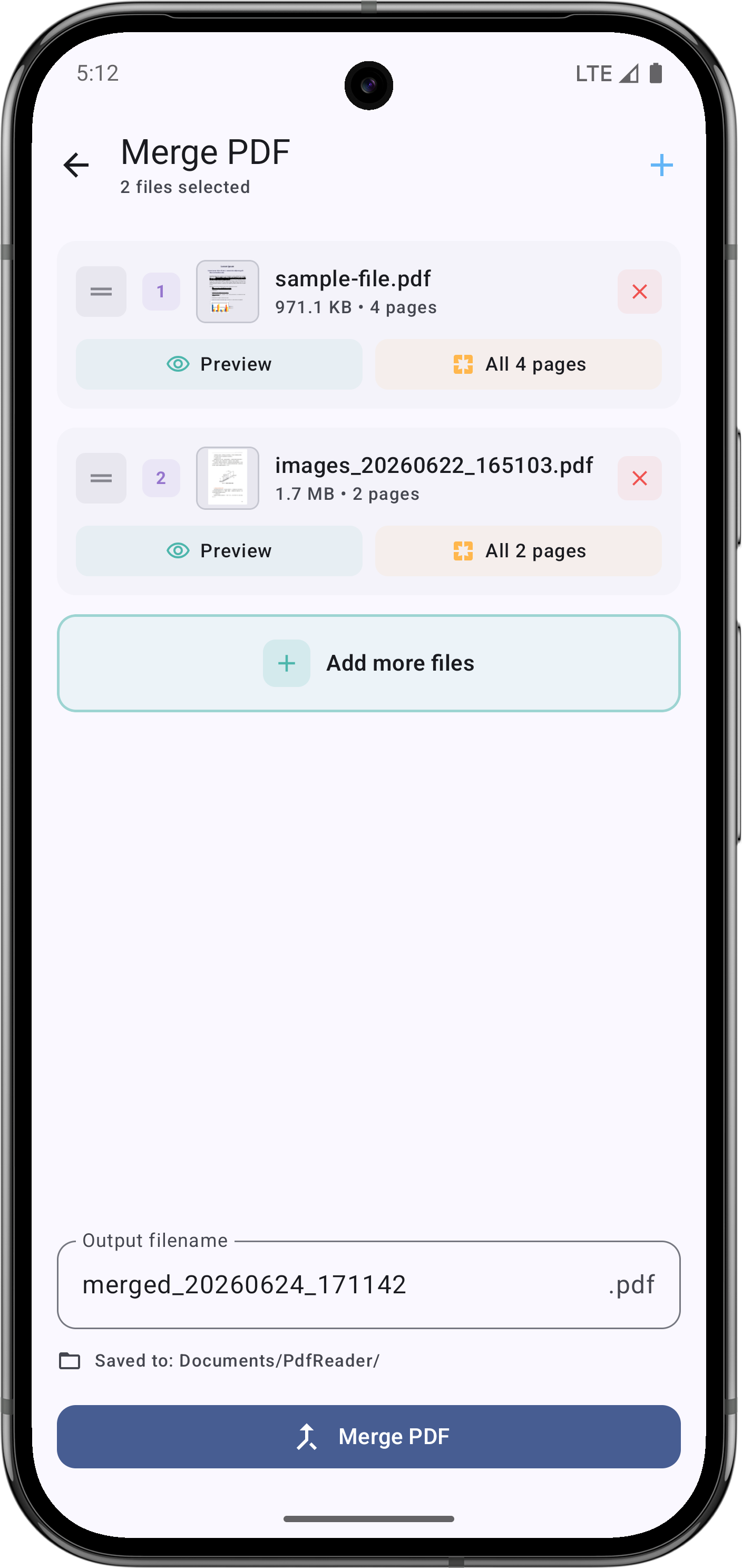
Combine multiple PDF documents into a single file. Arrange pages in any order before merging.
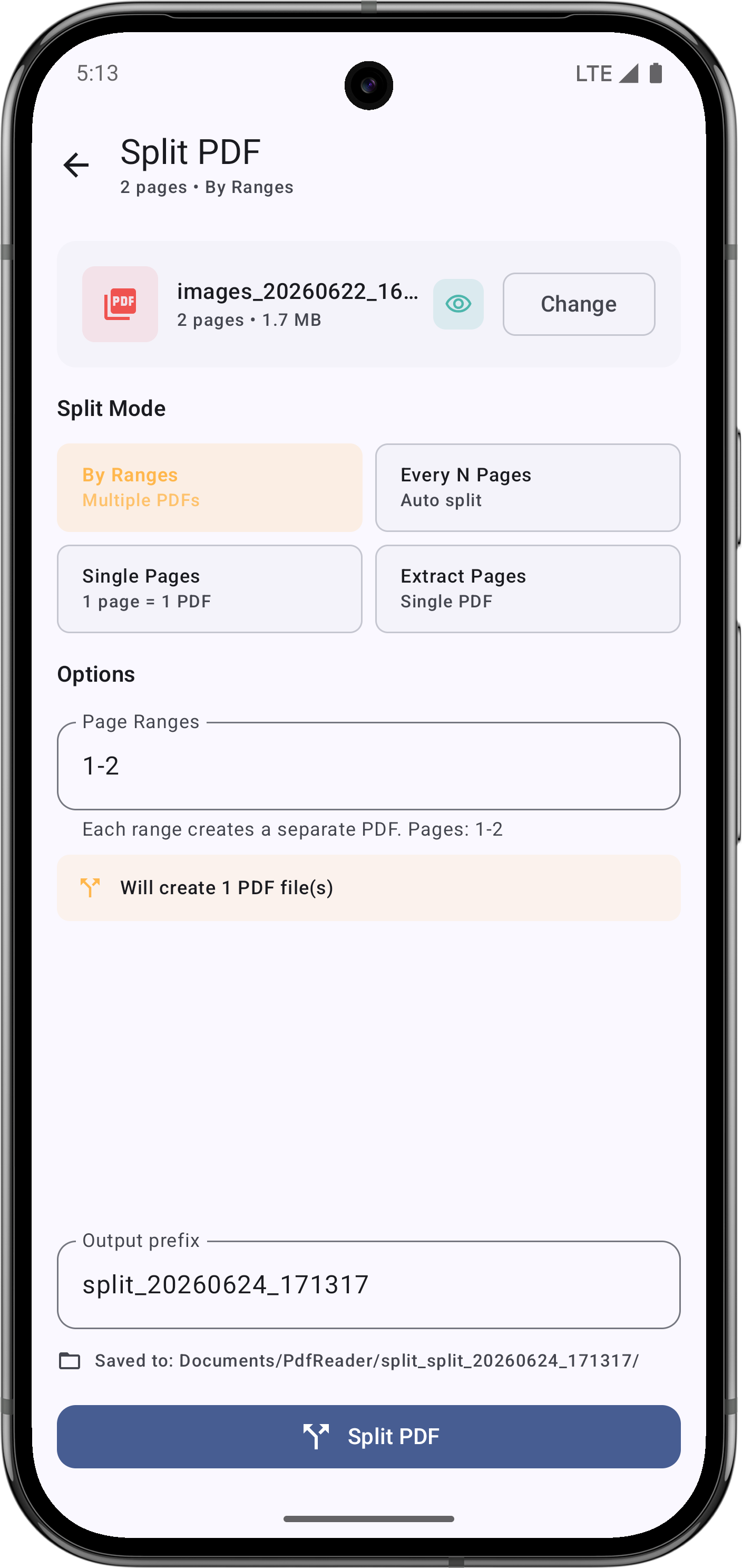
Extract specific pages or split a PDF into multiple separate files. Precise page selection.
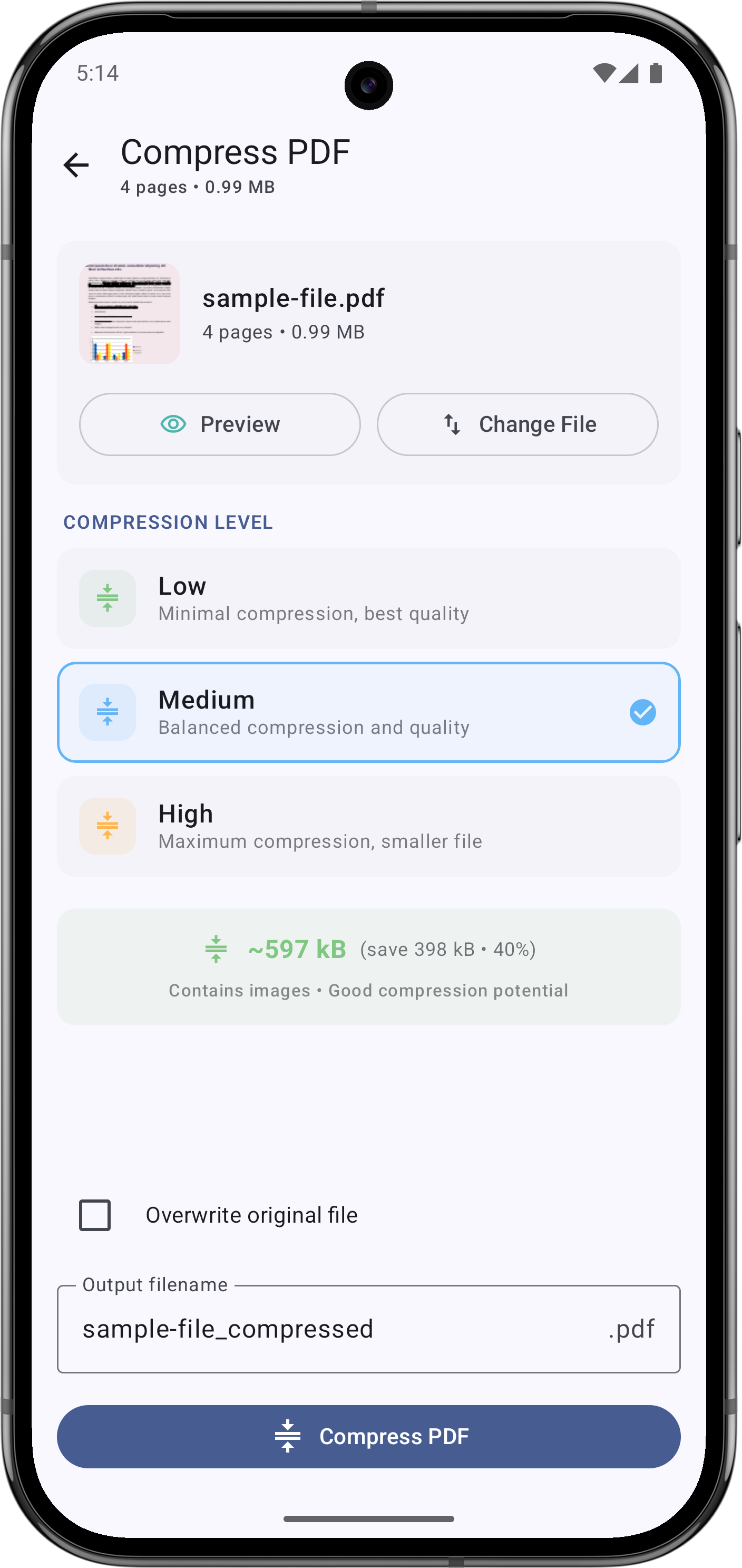
Reduce PDF file size without sacrificing quality. Choose compression levels to fit your needs.
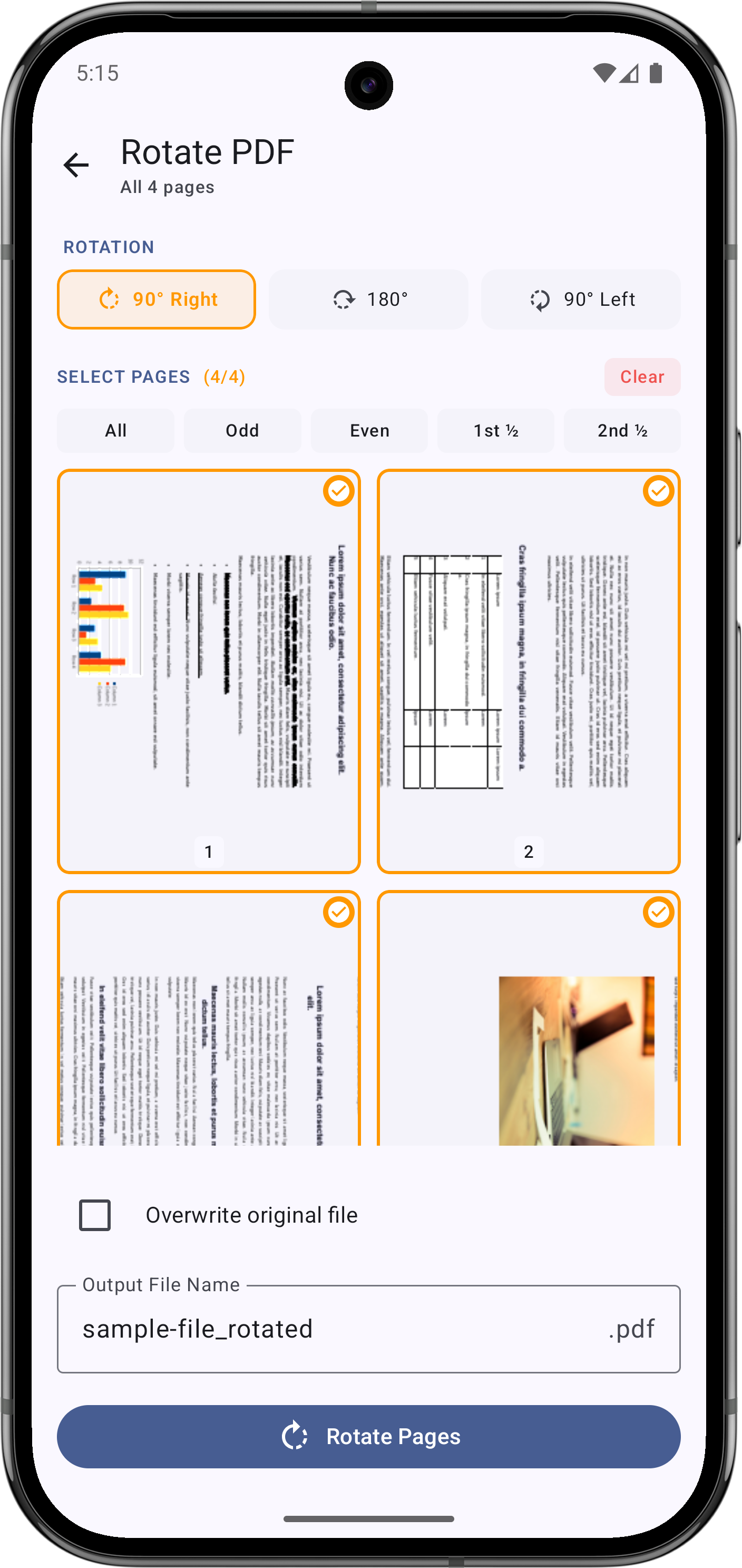
Fix sideways or upside-down pages with a single tap. Rotate individual pages or the entire document.
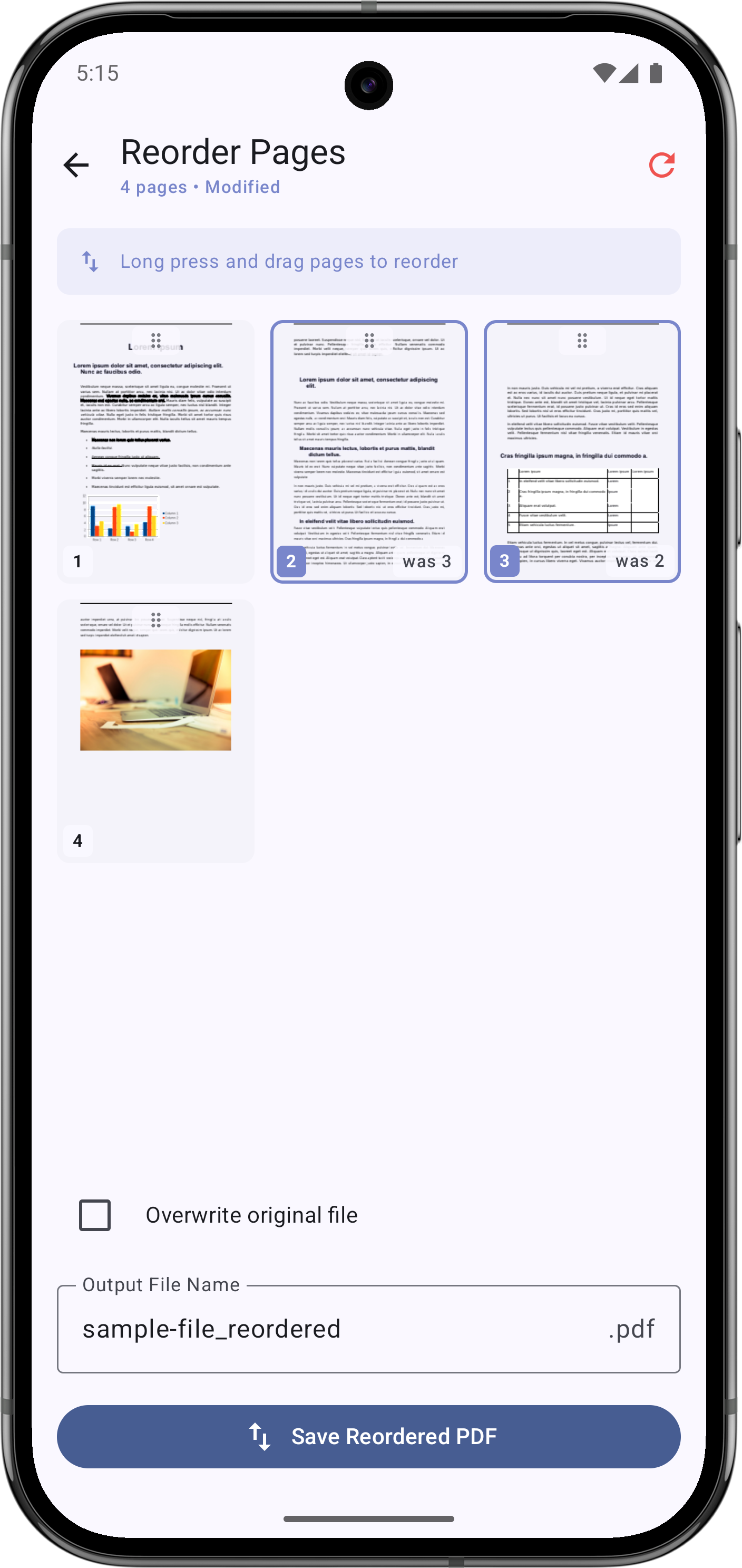
Drag & drop to rearrange pages in any order. Visual preview makes reordering effortless.
A clean, intuitive interface that lets you focus on your documents.
All 5 editing tools work completely offline. We never add watermarks, we don't require a subscription, and your documents stay private on your device.
Download Free on Google Play →Everything you need to know about Easy use PDF-Reader&Editor.
Yes, the app is completely free. All editing tools — merge, split, compress, rotate, and reorder — work without any payment. No watermarks are added to your documents.
Absolutely. All PDF editing tools work entirely offline. You don't need an internet connection to merge, split, compress, rotate, or reorder your PDF files.
The app supports reading PDF, Word (.doc/.docx), Excel (.xls/.xlsx), and PowerPoint (.ppt/.pptx) files. PDF editing tools work with standard PDF documents.
Open the app, go to the Tools section, select 'Merge PDF', choose the PDFs you want to combine, arrange them in the desired order, and tap merge. The combined PDF is saved to your device.
No. Easy use PDF-Reader&Editor does not add any watermarks to your documents. All edited PDFs remain clean and professional.
Your privacy is our priority. All PDF processing is done locally on your device — your files are never uploaded to any server. No account registration is required.
Yes! The built-in AI Assistant lets you summarize documents, ask questions with page-number references, and translate pages. Open any PDF and tap the AI button in the top bar.
Yes. Sign in with your Google account and use the AI Assistant for free. A daily fair-use limit applies so everyone can enjoy fast responses.
Join users worldwide who trust Easy use PDF-Reader&Editor for their daily document needs.
 Easy use PDF-Reader&Editor